





Canva Developer Experience · 2026
Build with Canva.In products and AI assistants.
Designing a clearer path from developer setup to creative workflows powered by Canva.
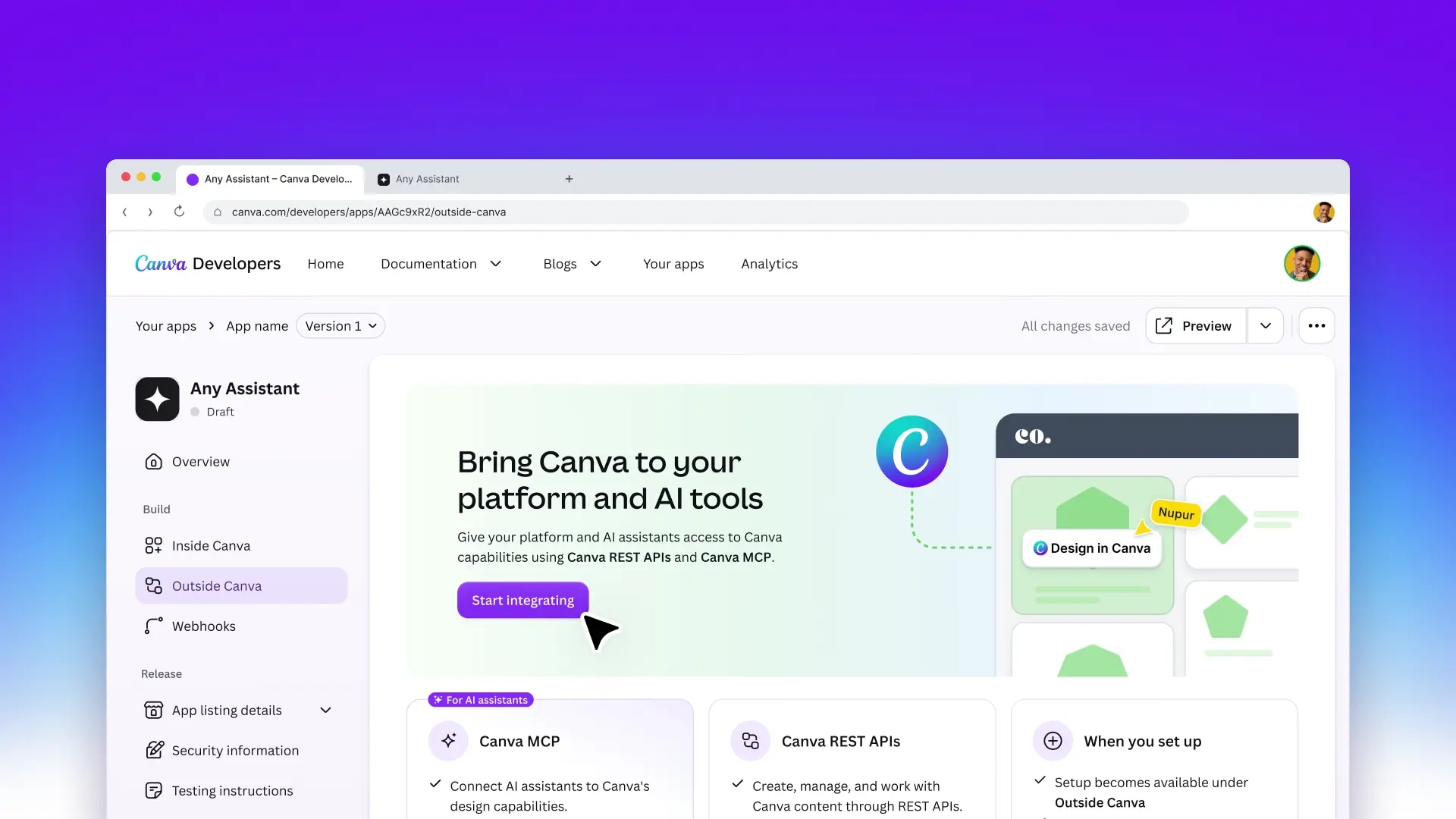
Canva’s launch demo: from setup to creative workflows. Read the announcement
- My role
- Juan Córdoba
Group design lead & coach - The team
- Gela Gamorras · Product designer
Ecosystem Platform and Developer Experience teams
01 / The opportunity
Great capabilities need a clear way in.
Canva was opening more of its creative platform to external products and AI assistants. The developer experience had to make that opportunity usable: help people understand what they could build, configure access and get to a working integration.
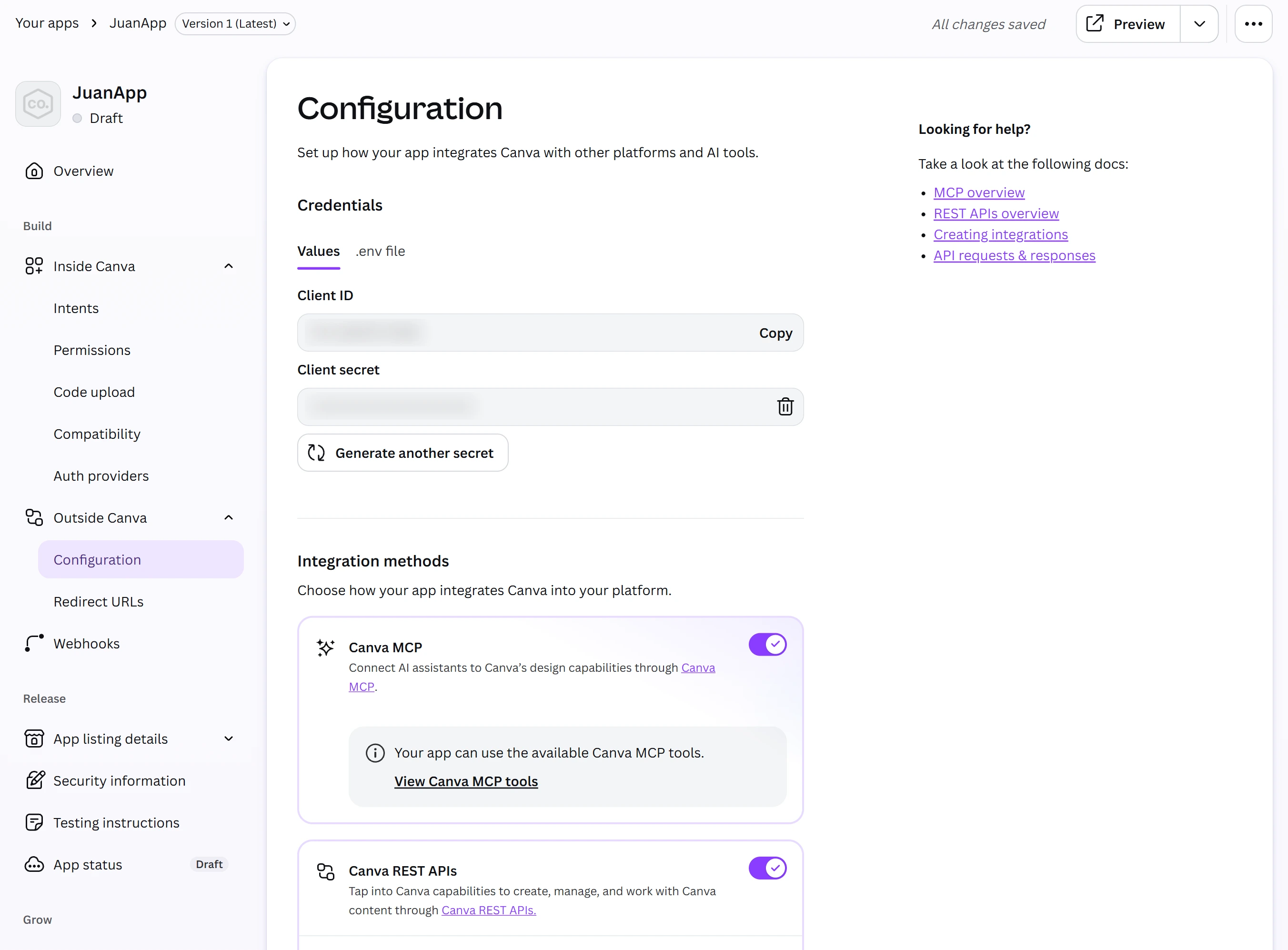
One necessary change was bringing apps and integrations together. Developers could manage capabilities inside and outside Canva through one app, instead of navigating separate setup paths. That shared model gave developers a clearer starting point.
02 / Shaping the experience
From an idea to a configured app.
I coached the creation flow and overview through design critiques and working sessions. Each step needed to answer a practical question: who is this app for, what can it do, and what should the developer configure next?
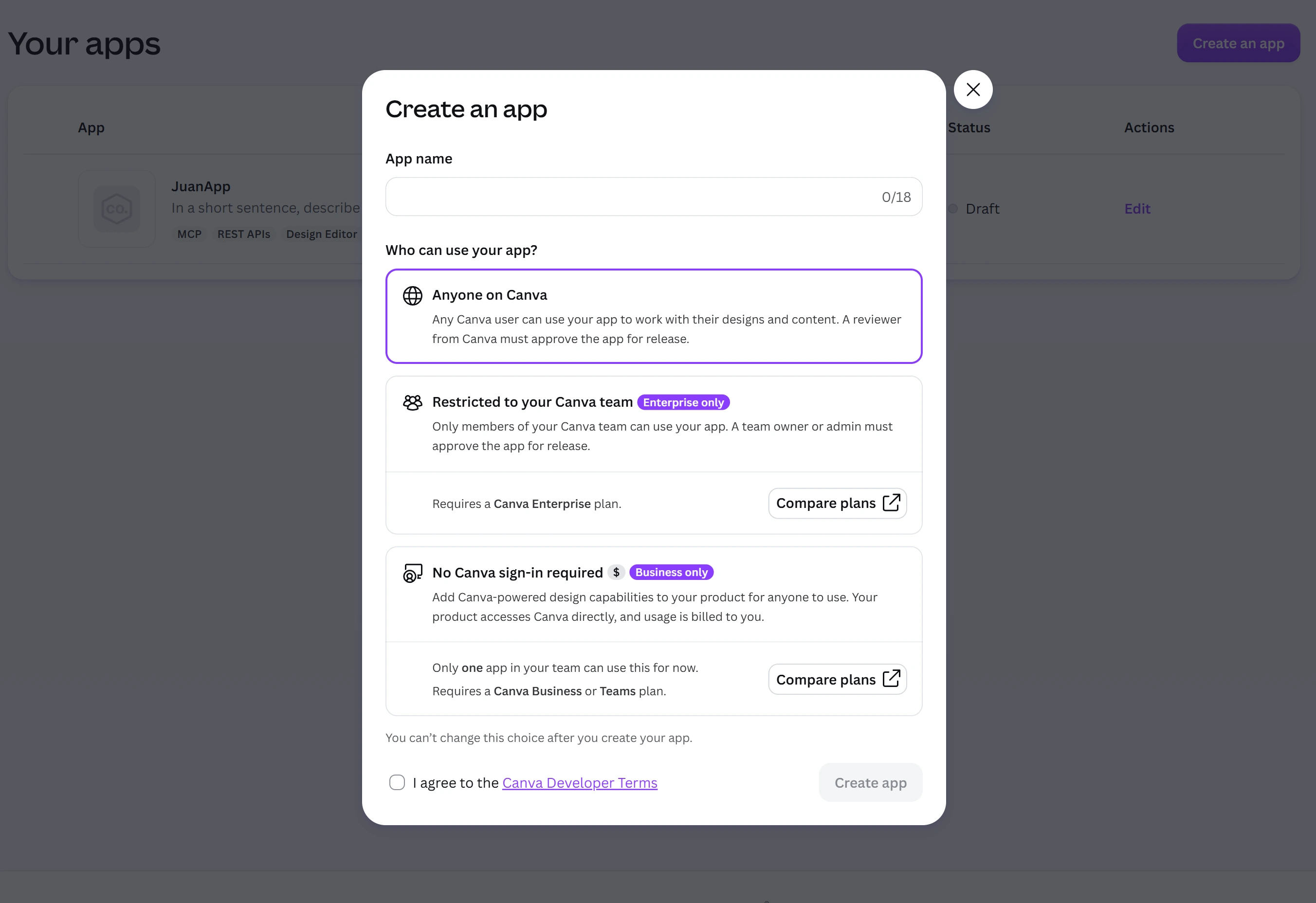
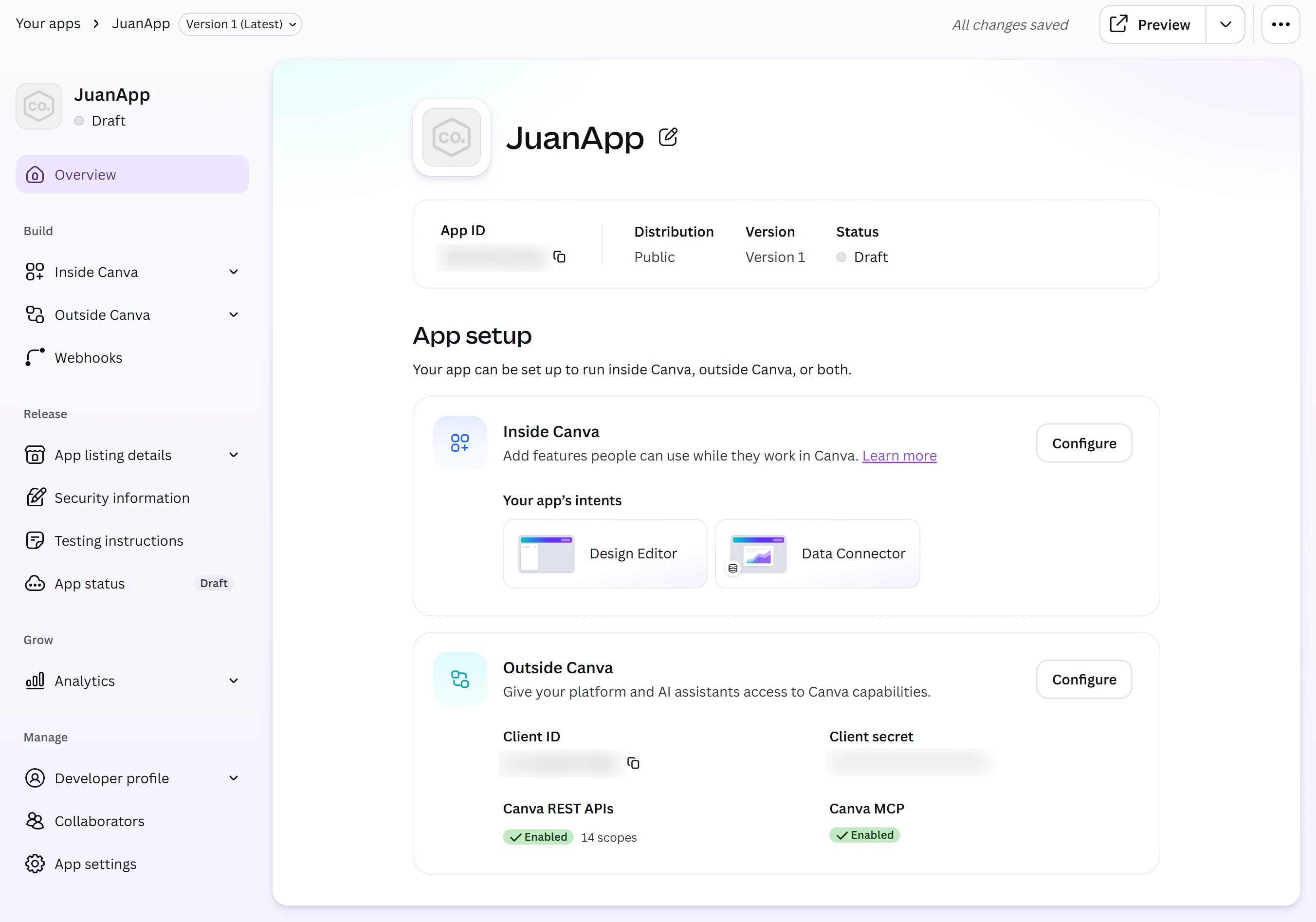
One app can do more than one thing.
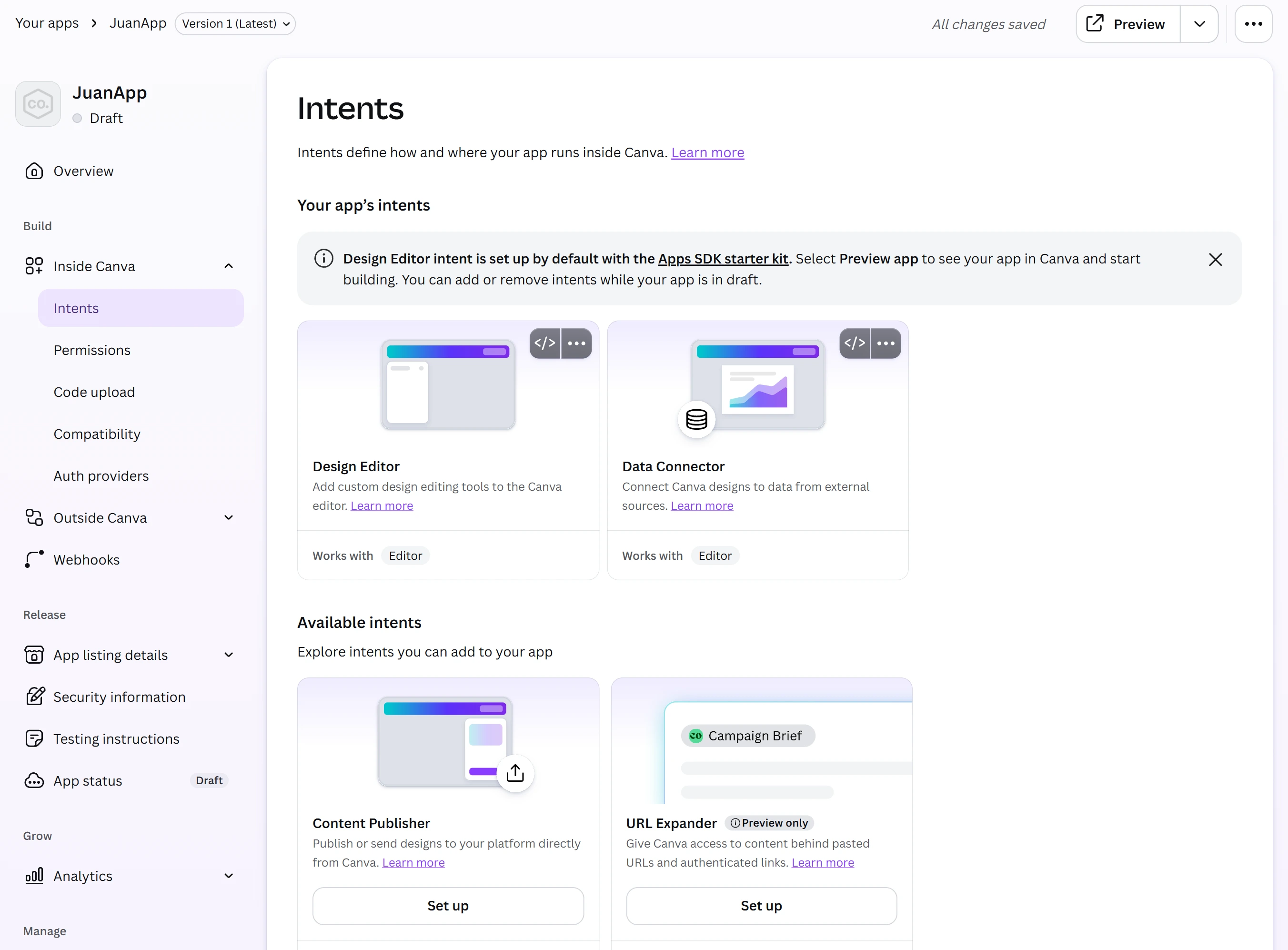
Inside Canva, Intents make apps available where people need them: editing designs, importing data or publishing. Outside Canva, developers configure REST API and MCP access. These choices needed to feel connected, with clear permissions and setup requirements.
We also needed to explain the Intents model itself. REST APIs were familiar to many developers; Canva’s capability contracts needed more context. We drew inspiration from intent models on iOS and Android, but could not assume everyone knew how ours worked.
I coached the team on making that model tangible through clear descriptions, informative thumbnails, contextual guidance and links to documentation. Developers needed to understand what each Intent enabled, what their app would provide and what Canva would handle.
Support workflows that run on their own.
Gela led service-account setup and API billing, with my coaching and feedback. This work helped partners configure REST API workflows that run without each customer signing in to Canva, with clear access and usage controls.
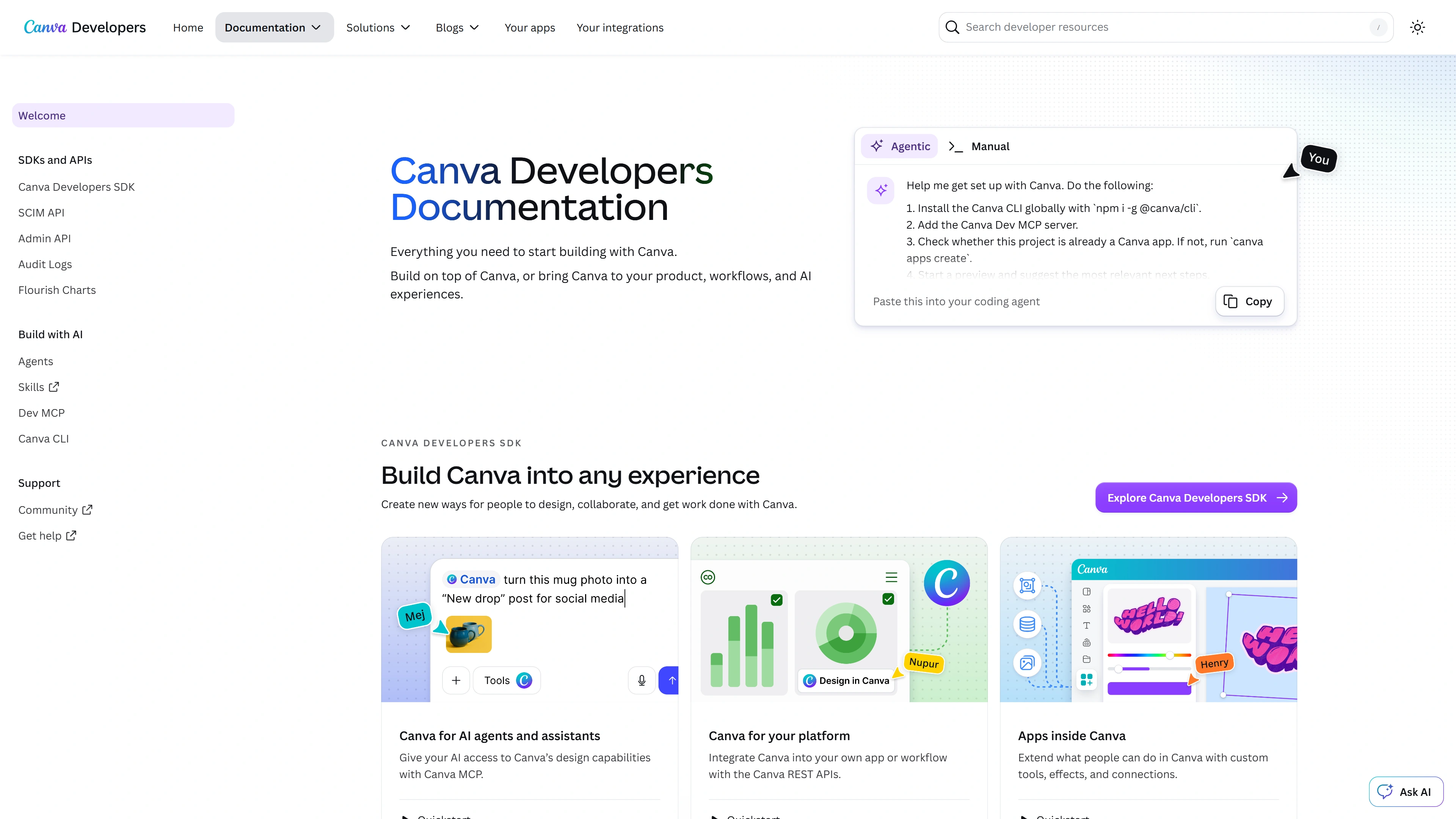
Documentation is part of the product.
I directed the documentation structure and content needs, connecting portal setup to useful guidance and examples. That included clear paths into Canva CLI and Dev MCP, which gives coding agents development guidance.
The distinction matters: Dev MCP helps developers build; Canva MCP lets AI assistants use Canva’s creative capabilities. The experience needed to explain both without making people decode the platform.
03 / Showing the value
Show what developers can build.
Clear setup was one part of the experience. Showing the possibilities was another. Building on the portal work, I worked with leadership on Canva’s positioning as a visual AI platform. I then moved into hands-on design and development: building Home and Explore Marketplace frontend experiences and functional API demos in Canva’s developer repository.
The aim was to show the value before asking people to integrate, from MCP to image generation, video and tailored marketing workflows. I proposed powering supported demos with service accounts so visitors could try them without configuring their own integration.
Home: introduce the visual AI platform
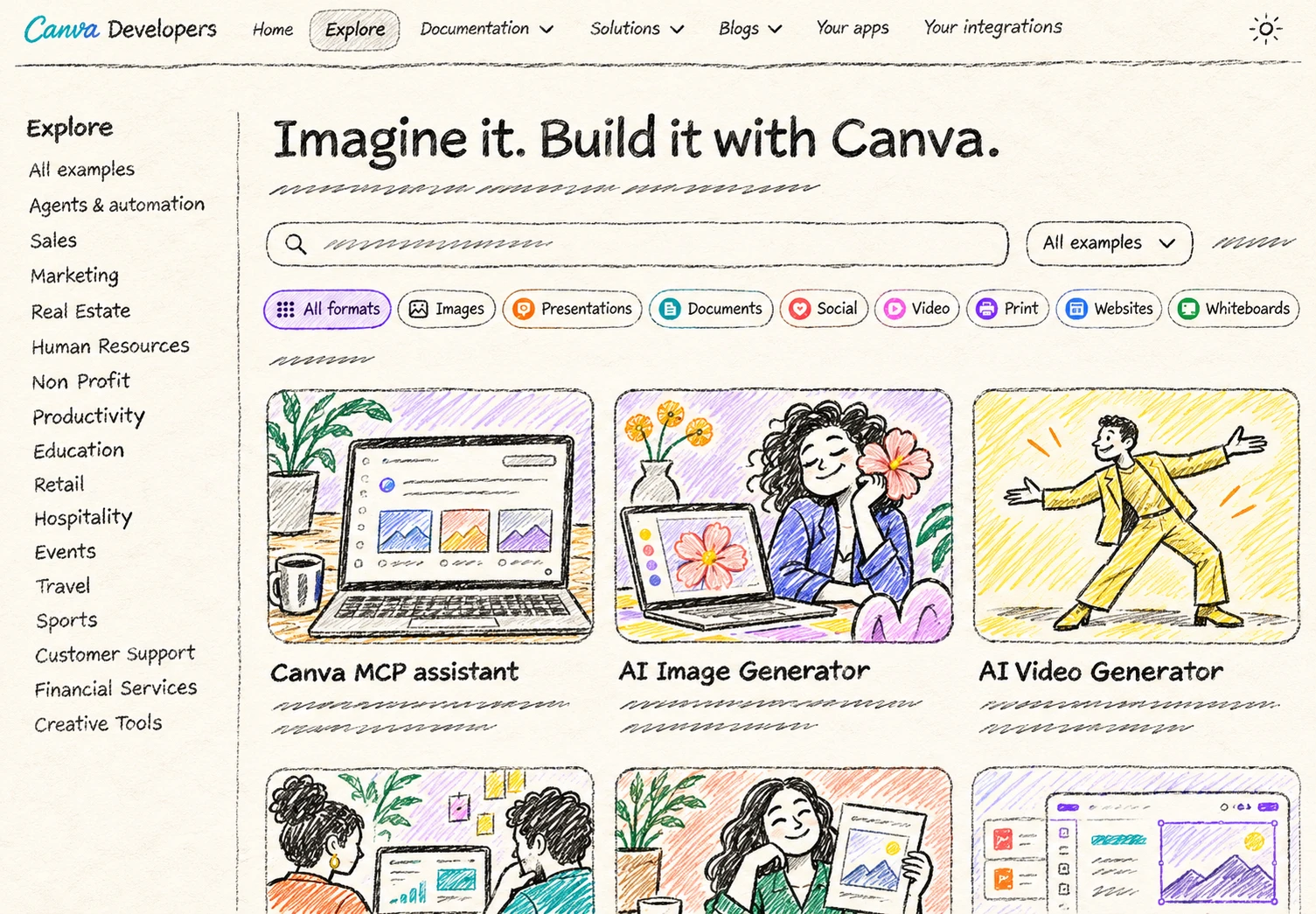
Explore Marketplace: imagine it, build with Canva
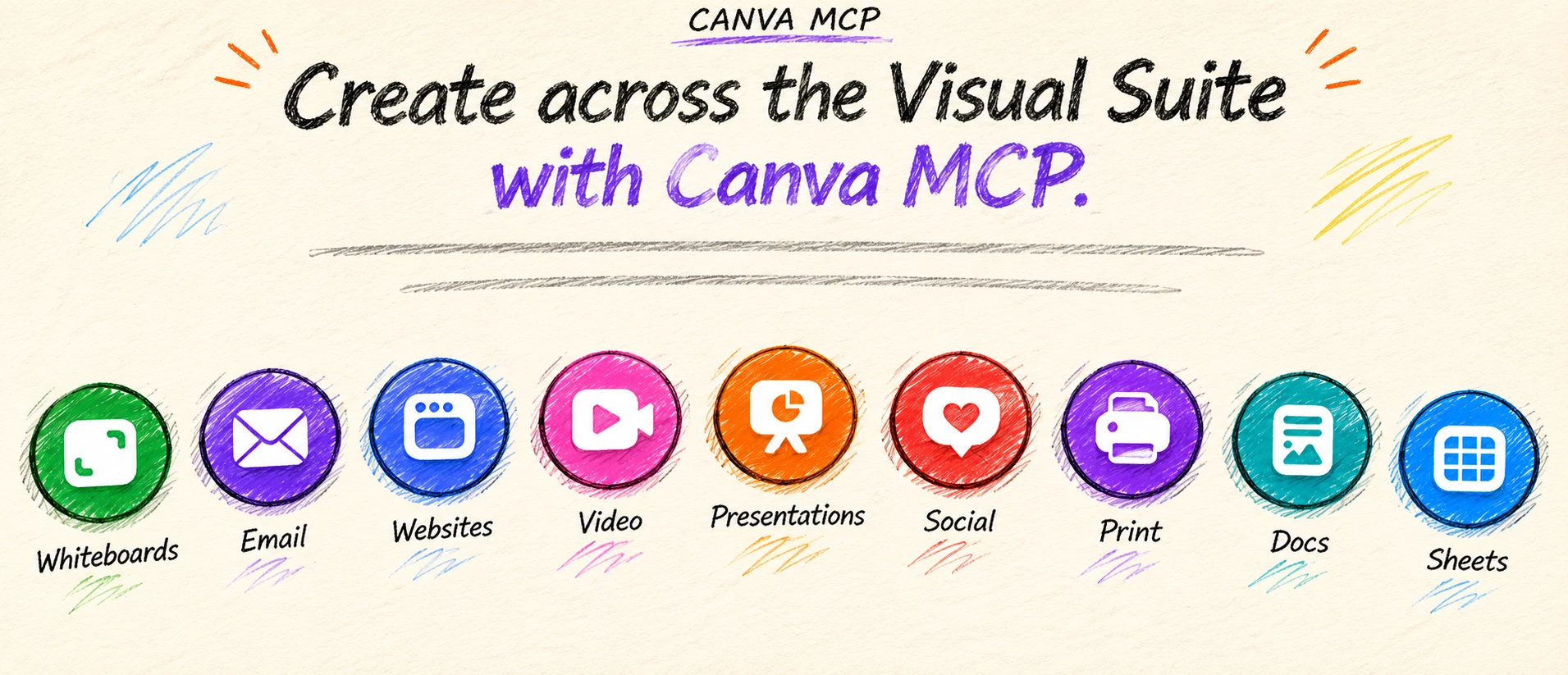
API demos: bring Canva MCP to your assistant
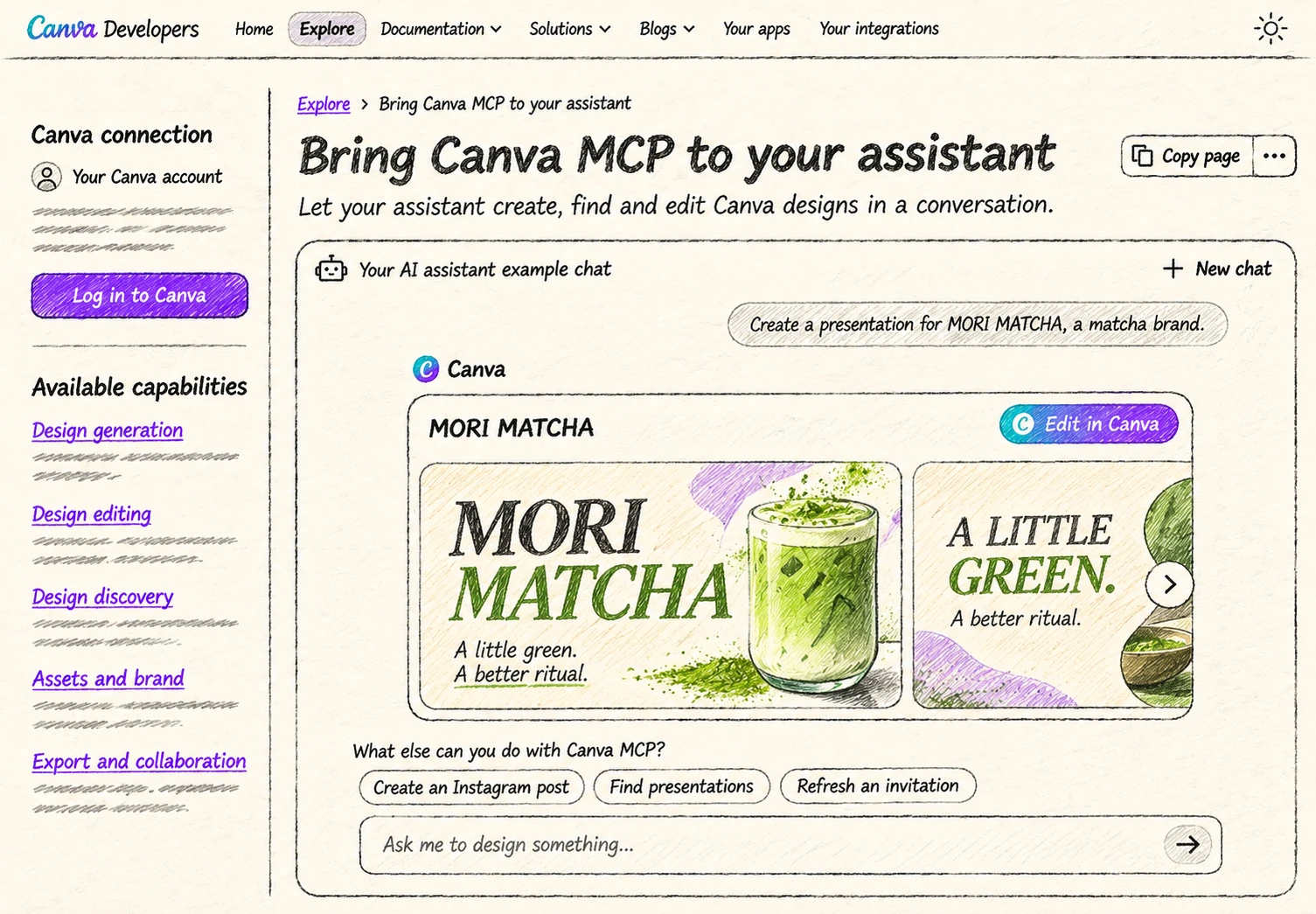
Sketches based on my original layouts, simplified to show the direction without exposing implementation details.
The working demos gave the team a concrete foundation to build on and a clear direction for the platform’s next chapter.
04 / Impact & learning
More ways to build. More places to create.
Developers now have a self-serve path to connect AI assistants to Canva MCP. Partners can also build creative workflows into their products through REST APIs, or use Canva CLI to work from the command line. Canva Craft is available through API and MCP, extending image generation beyond Canva itself.
Our team’s contribution was the way into those capabilities: clear configuration, permissions and guidance. My role was to connect those decisions into a coherent developer experience, alongside the teams building the underlying platform.
The lesson: show developers what becomes possible, then make the path to building it clear.
Read Canva’s platform announcement